
2772 views||Release time: Mar 10, 2026
When applying for research grants, academic promotions, or university graduation requirements, simply stating that your paper is "SCI-indexed" is rarely enough. Administrative and funding bodies typically require hard proof of indexing.
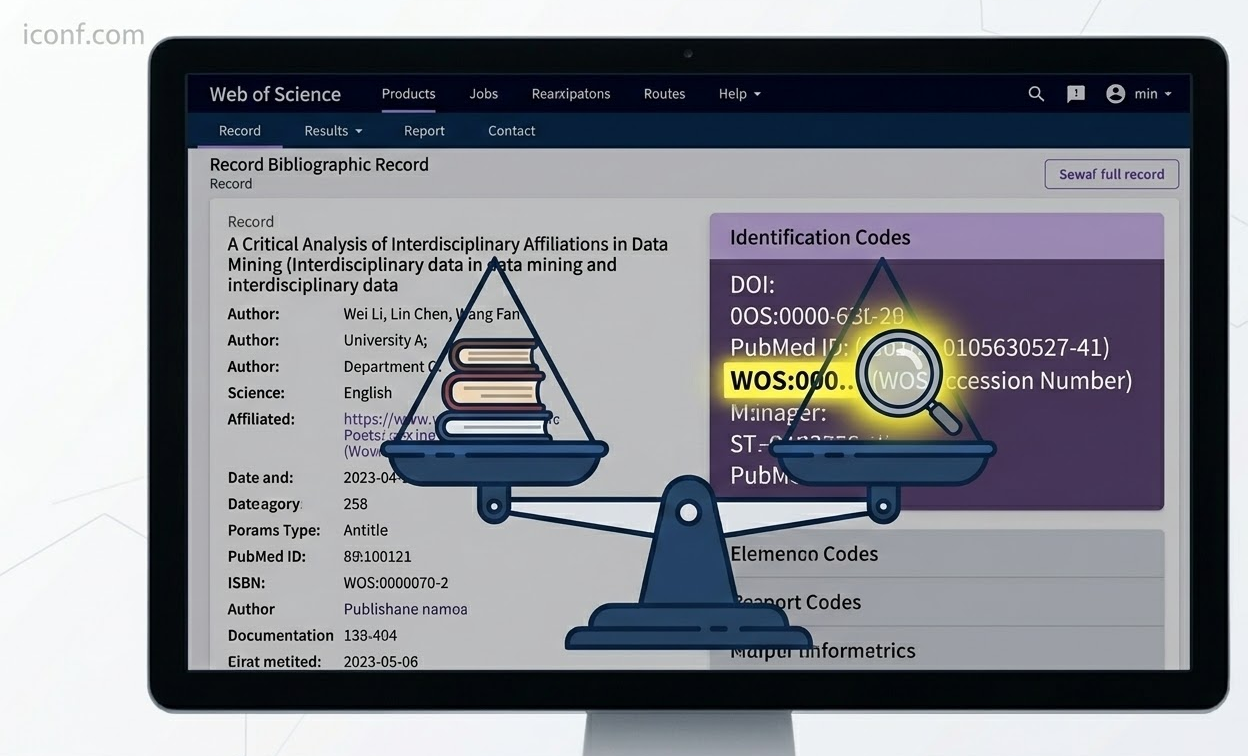
The most universally accepted proof is the Web of Science (WOS) Accession Number, historically referred to as the Unique Tracking (UT) number.
This is a unique, permanent identification code assigned to every individual article indexed in the Web of Science Core Collection. Unlike a DOI (which is assigned by the publisher to track the document's location on the web), the WOS number is assigned exclusively by Clarivate to track the document inside their specific database.
Here are the direct methods to locate your paper's unique Accession Number.
The most straightforward way to find your UT number is by viewing the paper's metadata directly on the platform.
Access the Web of Science Core Collection database. This usually requires logging in through your university's library portal or institutional VPN to ensure you have full subscription access.
Type your paper's exact title, or your unique DOI, into the main search bar and execute the search.
Click directly on the title of your paper in the search results to open the "Full Record" page.
Scroll past the abstract, author affiliations, and keywords until you reach the bottom section, typically labeled "Document Information" or "See more data fields".
Locate the line titled Accession Number. The code you need will be displayed here, always beginning with the prefix WOS: followed by a sequence of numbers (e.g., WOS:000123456789012).
If you are compiling a list of multiple publications or prefer looking at raw metadata, you can extract the number using the export function.
Locate your paper in the Web of Science search results.
Check the selection box next to your paper's title.
Click the "Export" drop-down menu located near the top of the search results page.
Select the option to export the record to a "Plain Text File" or to reference management software. Ensure you select the option to export the "Full Record".
Open the downloaded text file. Scroll down the list of tags on the left margin until you find the tag labeled UT. The string of text immediately following this tag is your Accession Number.
If you can find your paper on the publisher's website but cannot locate it on Web of Science, your paper has not yet been indexed.
Indexing is not instantaneous. After a journal publishes your SCI paper, it can take anywhere from a few weeks to several months for the Clarivate data processing team to evaluate the issue, extract the metadata, and generate the WOS Accession Numbers for the database. If your paper was published very recently, you will simply need to wait and check the database periodically.

